
Action Workflows - Overview
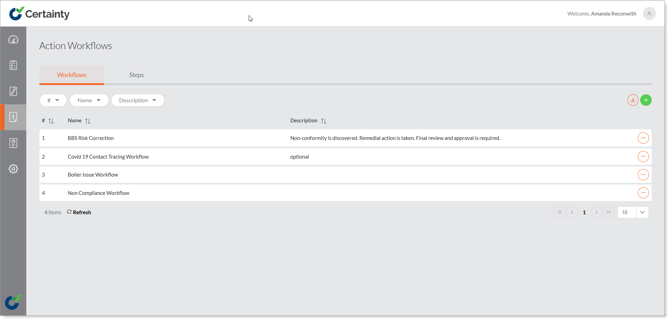
An action workflow is a collection of steps strung together to create a clear transfer of responsibility and progress for actions. Administrators define workflows – and the steps within them in ‘Manage Actions – Action Workflows’.
- Mobile App users can create actions in one step by simply filling out the 'Add Action' form and saving it. This is the default setting.
- Adding an action workflow and associating it with a checklist adds more control over how Mobile App users document actions by defining what is visible, editable and allowed at each step and by setting responsibilities for completion and approval.
If an action is created in the Mobile App from a checklist that specifies an action workflow:
- A new action will start in the first step of the action workflow associated with the checklist being completed and can progress through several steps.
- The action will appear just like it did before adding a workflow in the responsible users Mobile App and in the Admin Portal.
- The workflow will let the responsible user make any changes allowed in the current workflow step, move the action to the next workflow step (and potentially to a new responsible user).