Actions can be created in different ways
- In the Mobile App during an audit or inspection when a user finds the answer to a question requires corrective or preventive action.
- In the Admin Portal, ‘Manage Completed Checklists - Completed Checklists’, in the ‘Answers’ tab of the completed checklist, when a user reviews the audit and inspection results and decides action is required.
- Automatically by the system when triggered by a rule created by an administrator in ‘Manage Checklists - Checklist Rules’.
In the Admin Portal you can customize action types and priorities, set up rules for automatic notifications and step by step workflows for creating, implementing and closing actions and create customized forms for collecting the right information.
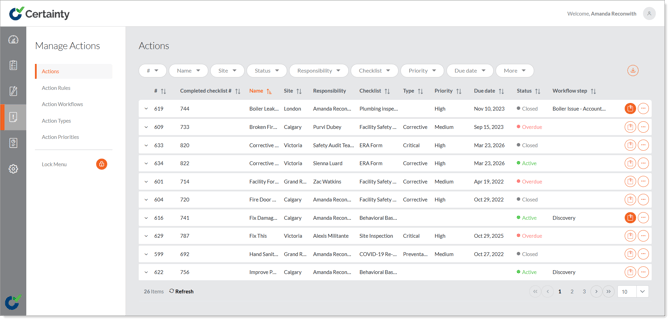
Actions can be viewed and edited in ‘Manage Actions – Actions’ in the Admin Portal and in the ‘Actions’ tab in the Mobile App.