
Typically, all users are granted access to the Mobile App to complete audits, inspections and assessments (checklists) and a limited number of users are granted access to the Admin Portal to run reports and administer the system.
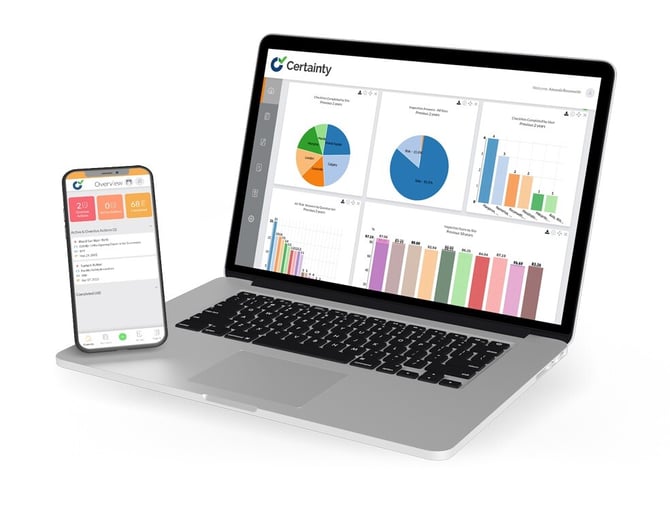
Admin Portal
The Admin Portal is a web app where system administrators set up and configure the system, create checklists and analyze data submitted by field users. It can be accessed with a browser at a URL that will look something like this: http://yourcompanyname.certaintysoftware.com.
Mobile App
The Mobile App is designed for field users who conduct audits, inspections and assessments by completing checklists and adding actions and findings, most often using their phone or a tablet.
- The Mobile App is available for various different devices and the functionality can also be accessed from a PC desktop or laptop browser using a URL with the extension .mobi.
- To keep things simple we will refer to the Mobile App when explaining how to conduct audits, inspections and assessments in the field but the same functionality (with a few exceptions) is also available on the .mobi platform.