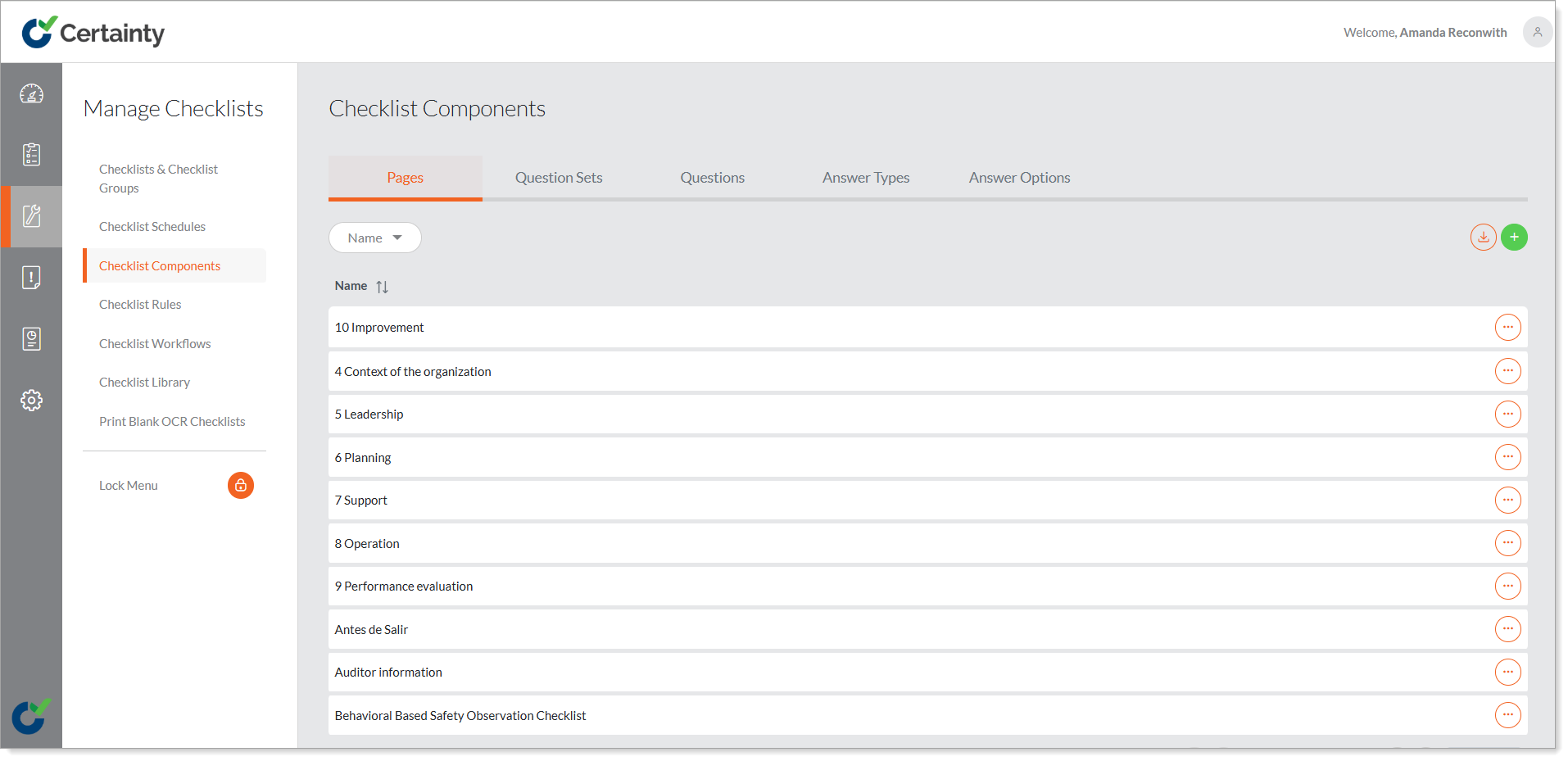
Checklist Components - Overview
Although you can add questions and answers (answer types and answer options) directly to a question using the checklist builder, you can also manage questions and answers separately in ‘Checklist Components’. If you add questions and answers in ‘Checklist Components’, they will then be available for use and re-use, when building checklists.
Checklists are comprised of:
- Main details
- Pages
- Questions Sets (a group of questions)
- Questions
- Answers (Answer Types and Answer Options)
Answers are comprised of:
- Answer types (dropdown list, radio buttons, text box, check boxes, etc.).
- Answer options (the answer options for a given answer type).