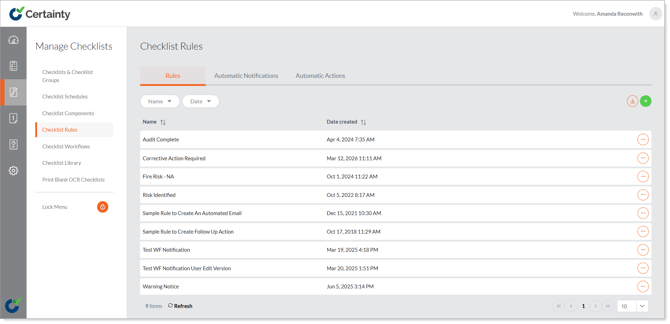
Checklist Rules - Overview
‘Checklist Rules’ in ‘Manage Checklists’ is where you define rules and set up email notifications and automatic actions to ensure the right people get notified of new audits and inspections, and action is taken in case of certain answers to audit and inspection questions, workflow step and status changes etc.
Creating a notification email or action that is automatically sent or created by Certainty is a two-step process.
- Create the rule that will trigger the notification.
- Define the notification email or automatic action and its recipients or responsible users and link it to the rule.