
Deleting a schedule
To delete a schedule:
- Go to ‘Manage Checklists – Checklist Schedules’.
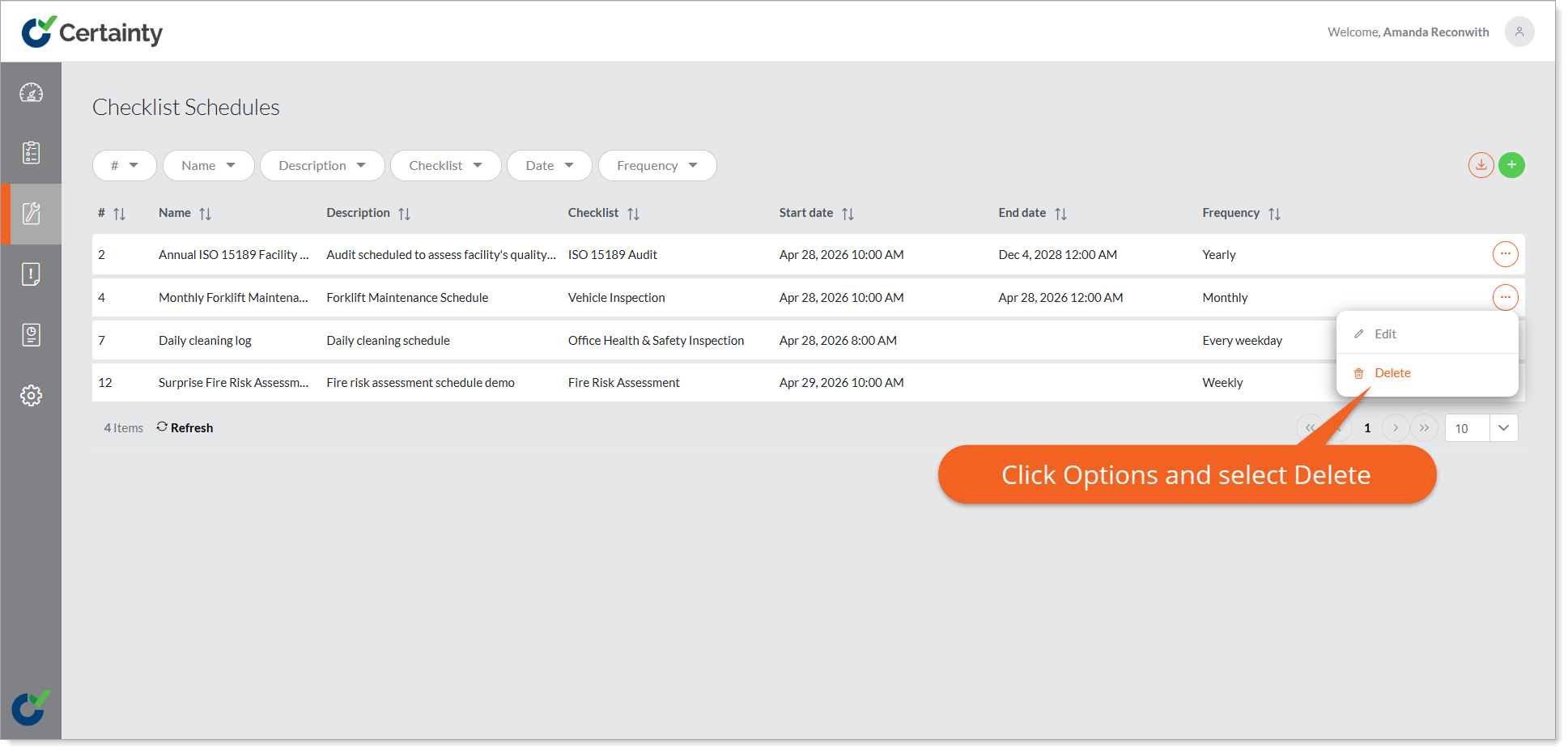
- Find the schedule in the table.
- Select 'Delete' from the 'Options' menu at the right side of the row.
- A confirmation pop up will appear, asking if you are sure you want to delete the schedule.
- If you are sure, click 'Yes'.
Notes
- Important! If you delete a schedule, it will stop any events specified in the schedule from appearing and any reminders to be sent to Mobile App users.