
- The Certainty Admin Portal can be accessed with a browser on the web. The Admin Portal works best with a desktop or laptop PC.
- There are several different options for using the Certainty Mobile App to enter data during audits and inspections depending on what device you are using.
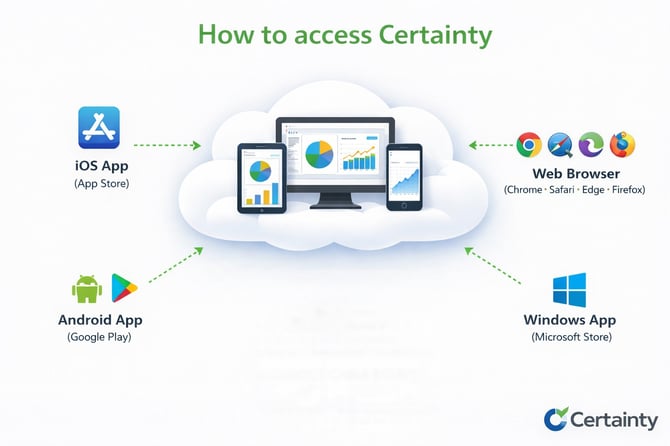
If you use a phone or a tablet
- If you use a phone or a tablet to collect data during audits or inspections:
- use the Mobile App for your device - iOS, Android or Windows app.
If you use a laptop or desktop PC
- If you use a laptop or desktop PC to collect data during audits or inspections:
- install the Windows App on your computer
-
- use '.mobi', an alternative to the Mobile App on the web to complete checklists in a browser. You can access this web based version via a URL with the extension ‘.mobi’. It does not require you to install an app.
- the .mobi URL will look something like this: http://yourcompanyname.certaintysoftware.mobi
- .mobi is also a good option for low-spec devices and in cases where no app install is allowed or the user prefers to work in a browser without installing the Windows app.
Learn this next...
How do I download and activate the mobile app on my device?
Quick guide to implementing Certainty