
Changing the language
- Open 'Account Settings' by tapping the icon in the top right corner of the screen.
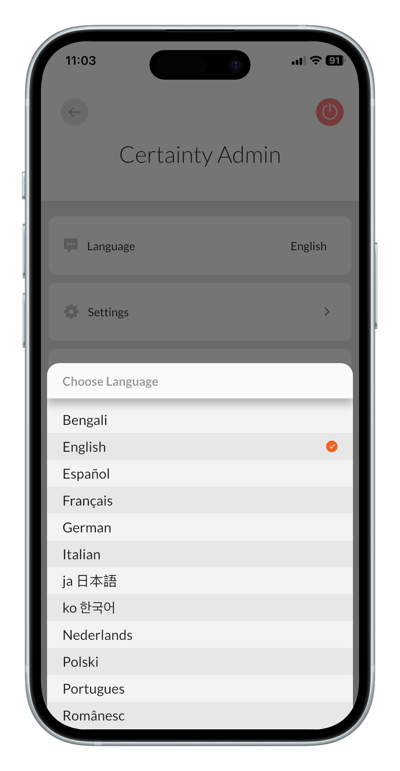
- Tap 'Language'.
- Select your preferred language.
Notes
- Only languages enabled by your organization and only terms translated to your chosen language by your administrator will appear. If some labels appear in English in your Mobile Apps UI, contact your administrator and ask them to add or update the missing translations.
- Note that tiles on the 'Overview' screen need to be renamed from their default English titles by you yourself as they are individual to each user.