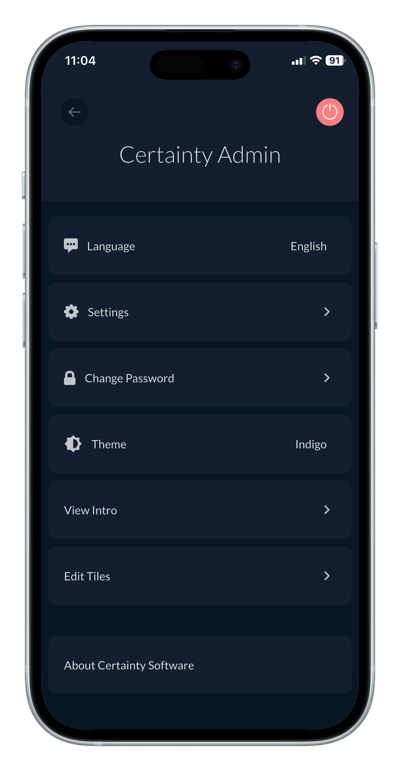
How do I change the theme (light, dark or indigo) in the Mobile App? You can personalize the Mobile App by switching between Light, Dark and Indigo themes. Changing the theme Open 'Account Settings' by tapping the icon in the top right corner on the 'Overview' screen. Tap 'Theme'. Choose Light, Dark or Indigo. Learn this next... How do I check the version in the Mobile App?