
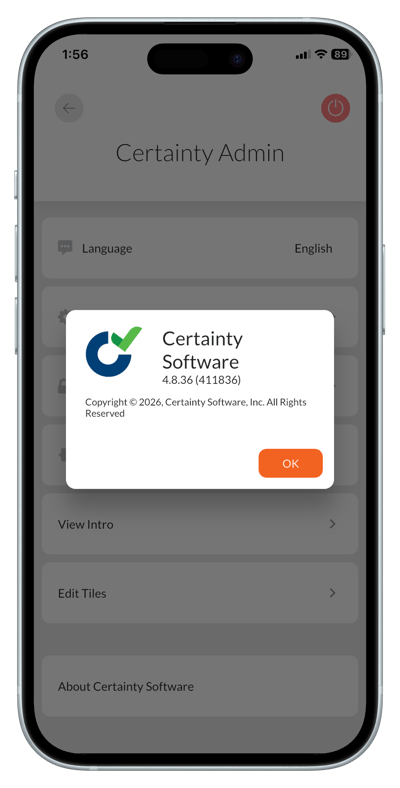
Checking the mobile app version
- Open 'Account Settings' by tapping the icon in the top right corner on the 'Overview' screen.
- Tap ' About Certainty Software' to open a pop up with the version number.
Notes
- Regularly update your Mobile App to make sure you have access to the latest features and bug fixes.
- If you are using the .mobi url, follow the same steps as for the Mobile App to find the version, but you need to ask your administrator if you want to upgrade to a later version.