
Using conditional questions, conditional answers and conditional mandatory answers in a Checklist
- Conditional questions are questions that appear in a checklist based on the answers to the previous question.
- Conditional answers are answer options that appear for a question based on the answers for that same question.
- Conditional mandatory answers are answer options that are made mandatory based on the answers to that same question.
Conditional question – Example:
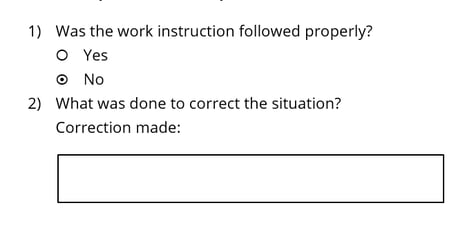
In this example, question 2 could be a conditional question and would ONLY appear IF question 1 is answered ‘No’.
Conditional answer – Example:
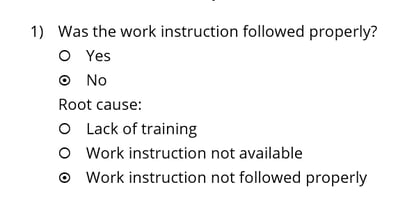
In this example, the answer option ‘Root cause’ could be a conditional answer option and would ONLY appear IF question 1 is answered ‘No’.
Conditional mandatory – Example:
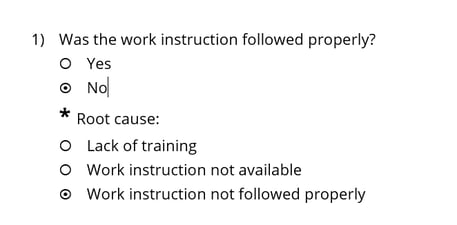
In this example, the answer option ‘Root cause’ could become mandatory IF question 1 is answered ‘No’.
Learn this next...
How do I add conditional elements to a Checklist in the Admin Portal?