
Action statuses
-
Active — Open tasks
-
Closed — Completed tasks
-
Overdue — Past due date
Viewing actions
You can access all actions from the 'Actions' tab at the bottom of the screen or in tiles on the 'Overview' screen.
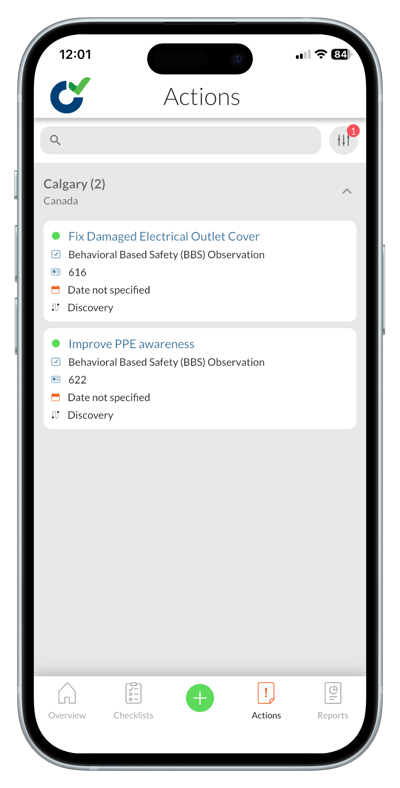
You can view actions from:
-
Actions tab
-
Action tiles
-
Inside a checklist
Updating actions
Once you have opened an action, you can edit the action details. You may also:
-
Add comments
-
Add attachments like images and files
-
Change due dates
-
Reassign responsibility
-
Close the action