Using the Media Library
- Use the filters at the top of the page to narrow the selection by checklist, question, site, user, media type or date range.
- Use the column headings to sort.
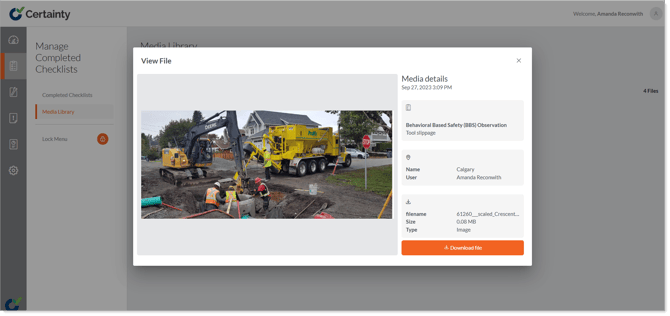
- Click a thumbnail image to view more details and download the file.
- Check the box in the top right corner of multiple images you would like to download.