
Roles & Role Groups – Overview
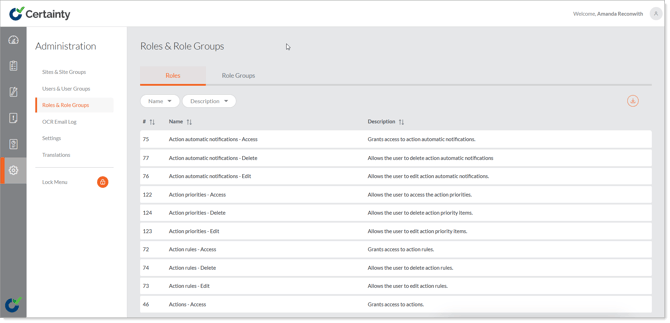
In Certainty roles define permissions for the Admin Portal. Roles can not be added, edited or deleted. When assigning roles to administrators, you can do this one role at a time, or you can create a role group and attribute that group to one or more users.
There are also default role groups:
- Basic Administrator
- System Administrator
- Reporting Only
- Reporting, Checklist & Action Management
Notes
-
Using role groups makes it fast and easy to add and change user permissions.