
Settings – Overview
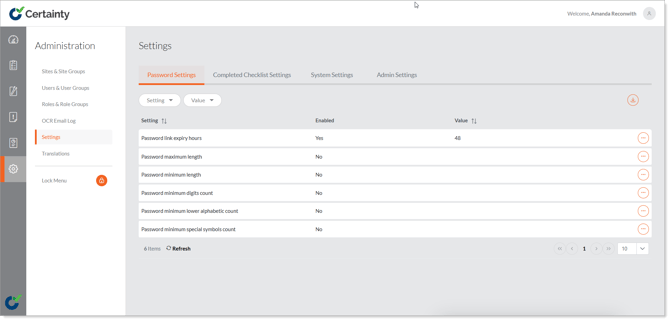
'Administration – Settings' allows you to change settings in Certainty for all users.
-
Password Settings - Set the expiry time for password links, set minimum length, special characters and other requirements for passwords.
-
Completed Checklist Settings - Settings related to completed checklists
-
System Settings - Allow user groups to be responsible for actions.
Notes
- Only your System Administrators should be allowed to make changes to Settings.