
-
You can provide sites with a physical address and GPS coordinate information. Assigning a physical address to your sites allows for easier navigation and identification. The GPS information further enables precise geolocation and geospatial analysis, providing you with valuable insights into the distribution and geographic patterns of your data.
-
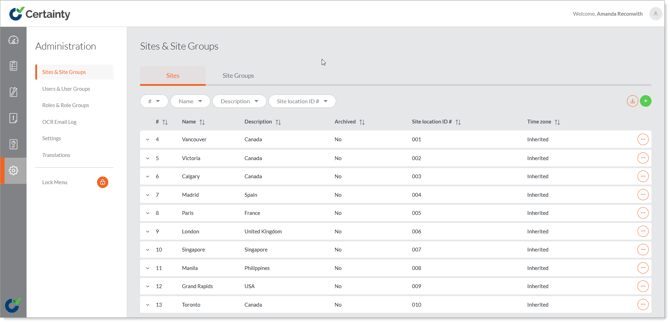
Administrators can create site groups to organize sites for access and reporting purposes. Site groups do not have to be mutually exclusive; a site can be in many site groups.
-
Site groups allow you to manage user access, checklist allocation and reporting quickly and easily for a part of your organization that has a common characteristic (e.g. a business unit or a group of sites with a single regional manager). We recommend that you start by creating site groups to organize your sites and make the process of granting access and allocating checklists fast and easy.
Notes
- 'Sites' can be used to identify suppliers, locations etc. They are what is audited or inspected with Certainty.